MA-DNA
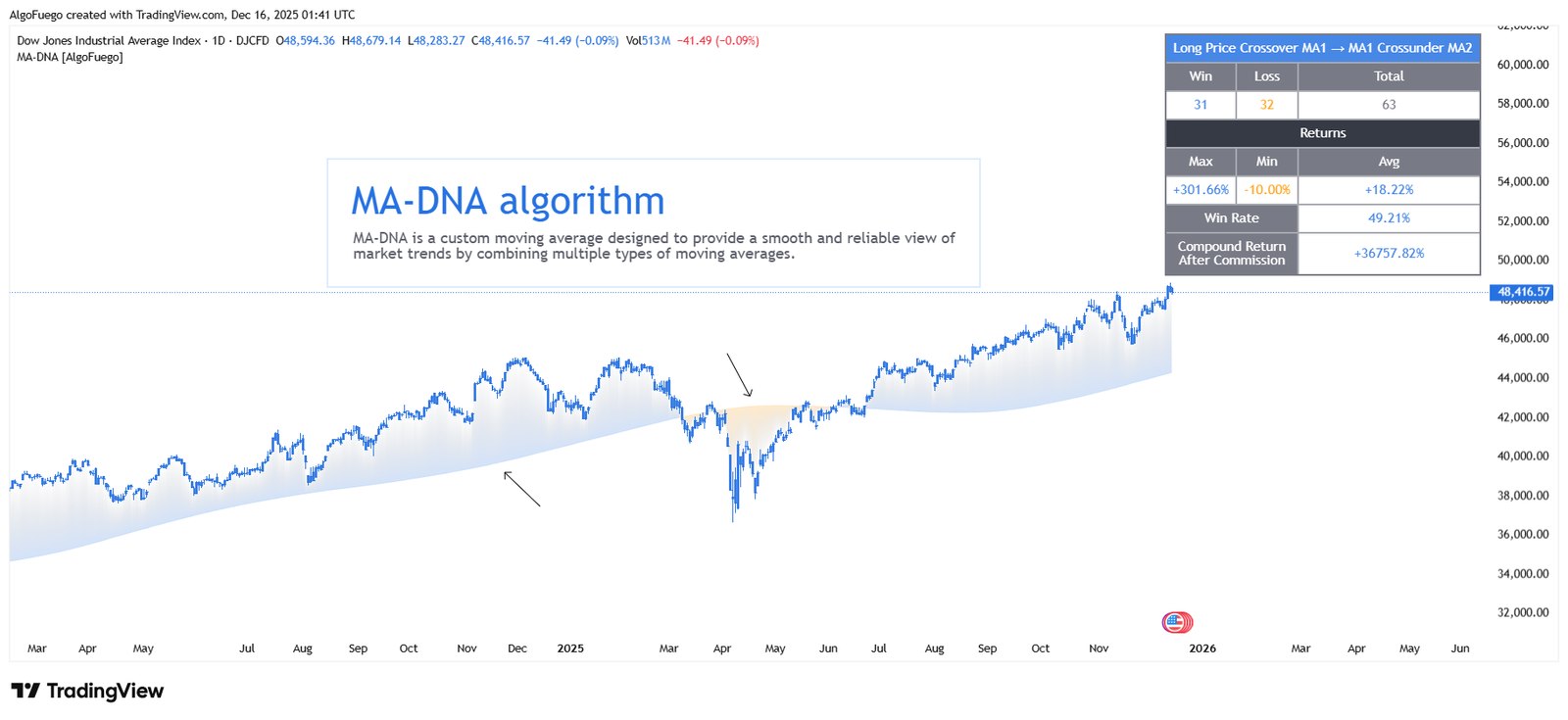
An advanced indicator designed to help traders build moving average-based strategies, enhanced with a modern, data-driven framework that provides actionable and measurable statistical insights.
Description
Advanced trend indicator that highlights reversals, generates entry/exit signals, and includes trade management tools like stop-loss, take-profit, and alerts.
Simple for beginners, yet fully customizable for advanced traders, with noise-reducing filters and multiple analytical techniques combined into a single unified system for building versatile strategies.
Automatically manages trades, tracks performance metrics, and visually highlights active trades for easy analysis.

Amit, Lead Developer & Market Strategist at AlgoFuego
Features

Advanced MA-DNA Algorithm
Combines multiple moving average types into one smart line to reduce noise and identify true market trends.
Customizable Moving Averages
Choose between MA-DNA, SMA, EMA, WMA, and SMMA with adjustable length and price source.
Built-in Backtesting
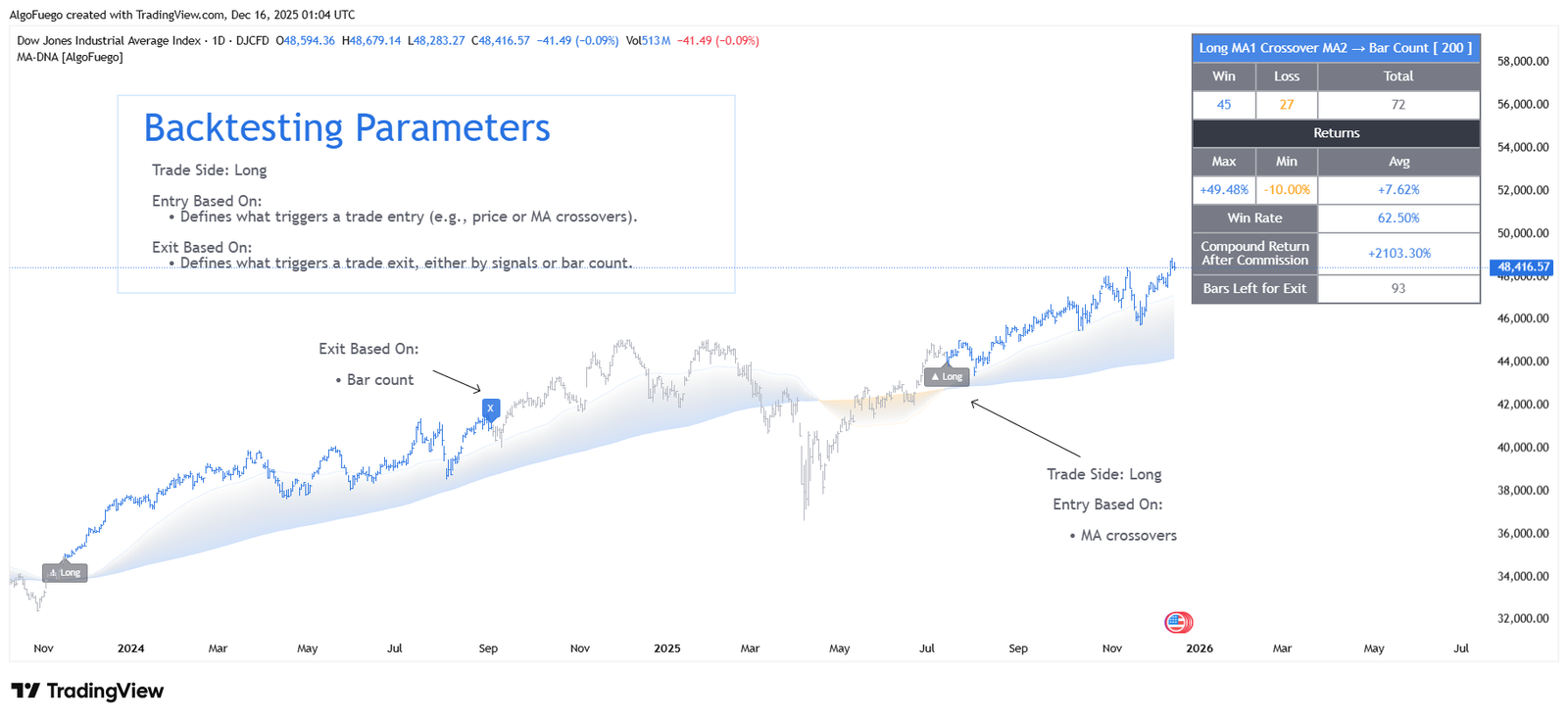
Simulate long and short trades with configurable stop-loss, take-profit, and commissions.
Performance Statistics Panel
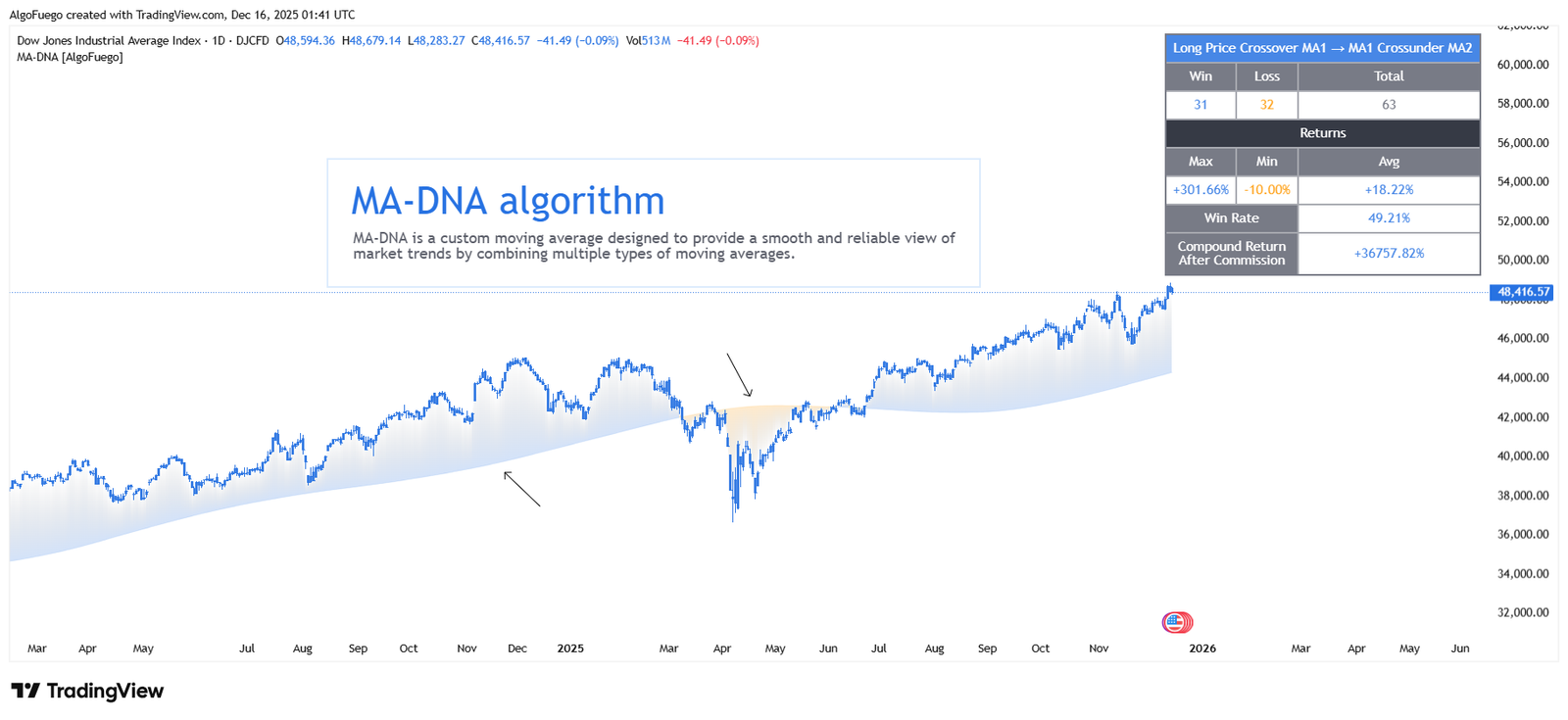
Displays key metrics such as win rate, total trades, net profit, and average return directly on the chart.
Clear Trade Visualization
Shows entries, exits, stop-loss, take-profit levels, and trend-based candle coloring.
Real-Time Alerts
Alerts for trade entry, exit, stop-loss, and target hits.
Fully Customizable Design
Control colors, labels, and visual elements to match your trading style.
Settings Overview
Fine-tune the indicator to match your unique trading strategy by adjusting trend settings, customizing alerts, and modifying visualization options.

• Moving Average Type & Length
Select the MA type (MA-DNA, SMA, EMA, WMA, SMMA) and adjust the length to match your trading strategy.
• Price Source
Choose the price used for calculations (Close, Open, High, Low, etc.).
• Trade Direction
Enable Long, Short, or both trade types.
• Risk Management
Configure Stop-Loss, Take-Profit, position size, and commission settings.
• Visual Settings
Customize colors, candle styling, labels, and display elements.
• Alerts
Enable alerts for entries, exits, stop-loss, and take-profit events.
How to Use
Follow these structured steps to maximize the effectiveness of the indicator: Understand the indicator, configure the settings, and execute your trades like a professional with a precise trading plan.
Apply MA-DNA [AlgoFuego] to your chart from TradingView.
Choose the moving average type and length based on your trading style.
Use the MA direction and color changes to spot potential buy and sell opportunities.
Define stop-loss and take-profit levels to manage risk effectively.
Review the performance statistics to validate the strategy before live trading.
Activate alerts to receive real-time trade notifications.
Exclusive Offer : 30 Day Free Trial!
Sign up today and start using our premium tools risk-free for 30 days. Get the insights you need to make better trading decisions.