Astrology - W.D. Gann
A planetary-cycle–driven trading system inspired by W.D. Gann’s time and astrology principles.
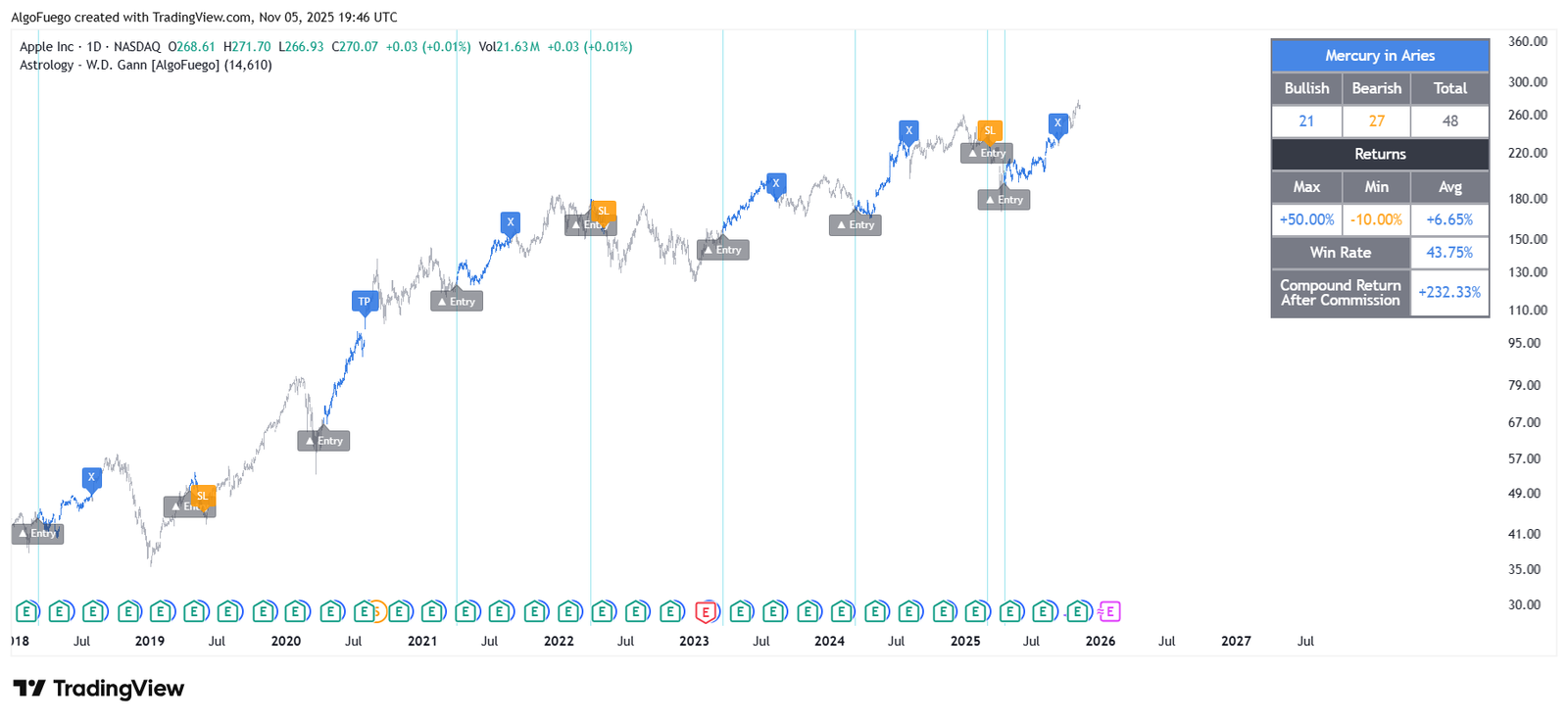
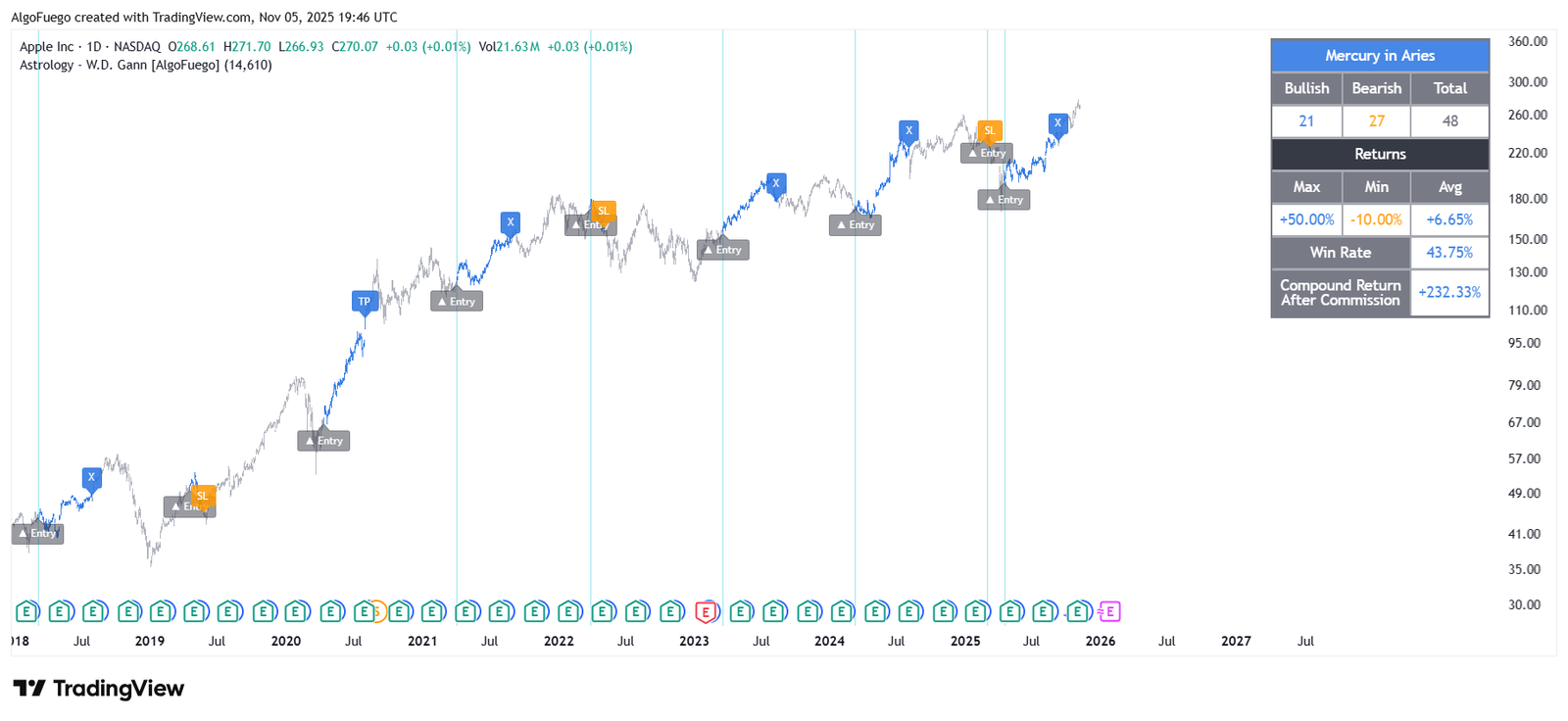
Description
This indicator transforms astronomical planetary positions into actionable market signals by tracking when a selected planet enters a specific zodiac sign (Tropical or Sidereal).
Trades are automatically initiated, managed, and closed using predefined holding periods, stop-loss, and take-profit logic.
The script blends astro-financial theory with systematic trade execution, visual trade management, and built-in performance analytics—designed for disciplined, cycle-based market analysis.

Amit, Lead Developer & Market Strategist at AlgoFuego
Features

Planetary-Cycle Trading
Uses planetary positions and zodiac signs (Tropical or Sidereal) to generate market entry signals inspired by W.D. Gann’s astro-financial principles.
Automated Trade Execution
Trades are automatically entered, managed, and closed using predefined holding periods, stop-loss, and take-profit logic.
Customizable Astro Settings
Select planet, zodiac sign, and zodiac type to tailor signals to your preferred cycle-based strategy.
Risk Management & Trade Control
Configure stop-loss, take-profit, and position sizing; optional commission simulation ensures realistic backtesting.
Backtesting & Performance Analytics
Simulates trades historically, tracking win rate, per-trade returns, cumulative equity, and compounded performance metrics.
Visual Trade Markers
Displays entry, exit, stop-loss, and take-profit levels on the chart with configurable colors, labels, and candle coloring.
Alerts System
Receive notifications for entries, exits, stop-loss, and take-profit events in real time.
Comprehensive Statistics Table
View total trades, wins/losses, returns, win rate, compound growth, and bars left until trade closure, all customizable in placement and style.
Settings Overview

Planet & Zodiac Selection
Choose the planet, zodiac sign, and zodiac type (Tropical or Sidereal) to generate entry signals.
Trade Direction
Select Long, Short, or both for backtesting and live signals.
Entry & Exit Rules
Configure trade entries based on planetary positions and exits using holding periods or specific bar counts.
Risk Management
Enable stop-loss and take-profit levels with customizable percentages.
Visual Trade Options
Display entry, exit, stop-loss, and take-profit levels with adjustable colors and label sizes.
Commission Simulation
Include entry and exit commissions to reflect realistic trading costs.
Bar Color Settings
Color candles according to trade state: long, short, or neutral.
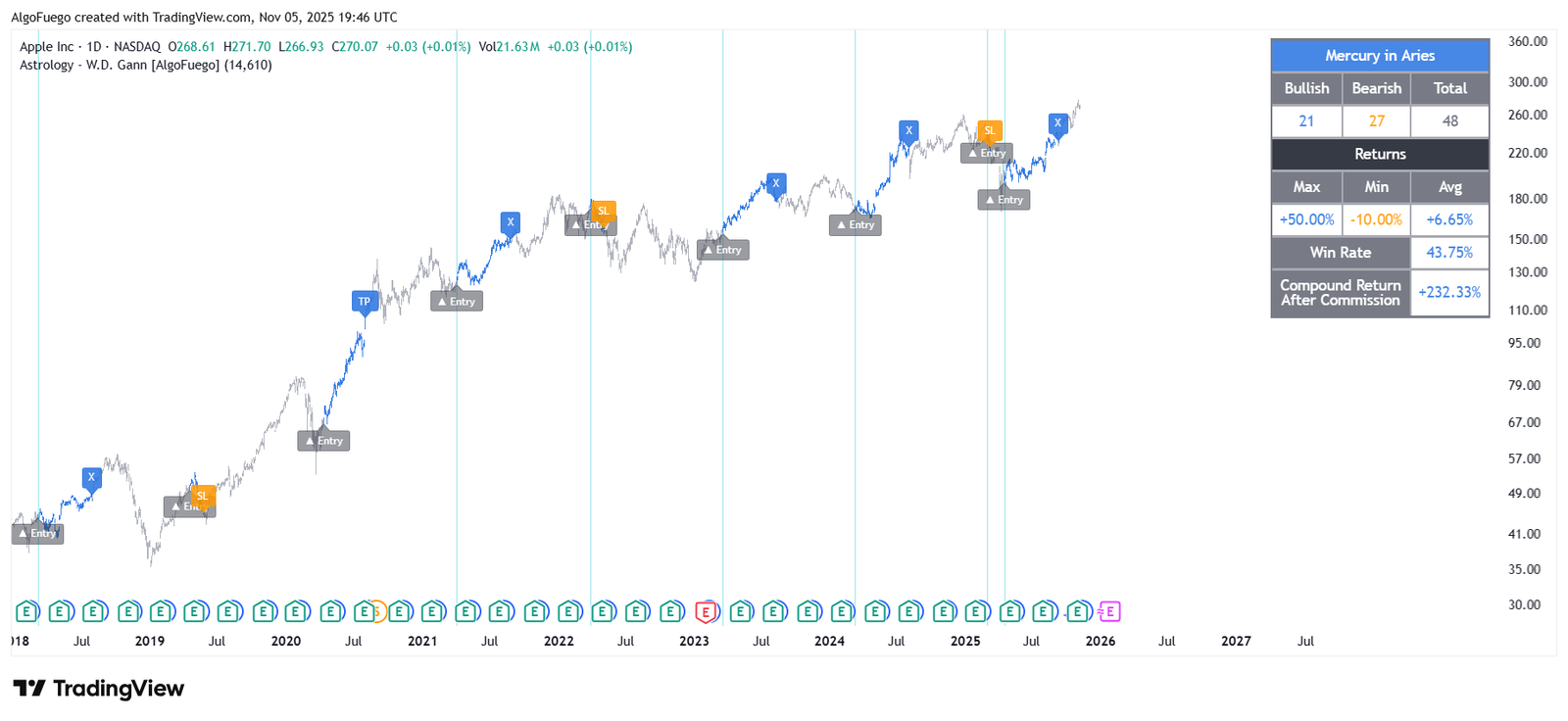
How to Use
Choose Long or Short, depending on the market direction you want to simulate.
Pick a planet and zodiac sign, then select Tropical or Sidereal zodiac type.
Define the holding period or bar count for trades.
Enable stop-loss and take-profit with desired percentages.
Show entry, exit, stop-loss, and take-profit levels along with colored bars on the chart.
Receive notifications for entries, exits, stop-loss, and take-profit events.
Trade markers, colored candles, and the statistics table appear automatically.
Analyze trades, returns, win rate, compound growth, and bars left; optionally include commissions and customize table appearance.
Exclusive Offer : 30 Day Free Trial!
Sign up today and start using our premium tools risk-free for 30 days. Get the insights you need to make better trading decisions.